
TruckersMP Software Installation and Login
Download and Install the New TMP Multiplayer Plugin
Click Download Now on the TruckersMP official website, or enter https://truckersmp.com/download in your browser address bar to download the latest TruckersMP client; or click here for high-speed download
If you need to use the old version of the TruckersMP client, you can download it from the Fleet Resource Library here.
Install the TruckersMP Client
New Version Client
- Double-click the downloaded file named
TruckersMP-Setup.exe, and the software will install automatically (default C drive). - Go to the
Settingspage of the client, check if the game paths for Euro Truck Simulator 2 and American Truck Simulator are correct. If correct, no modification is needed. If incorrect, you can find the path in the Steam client by right-clicking on thegame nameand selectingManage->Browse Local Files.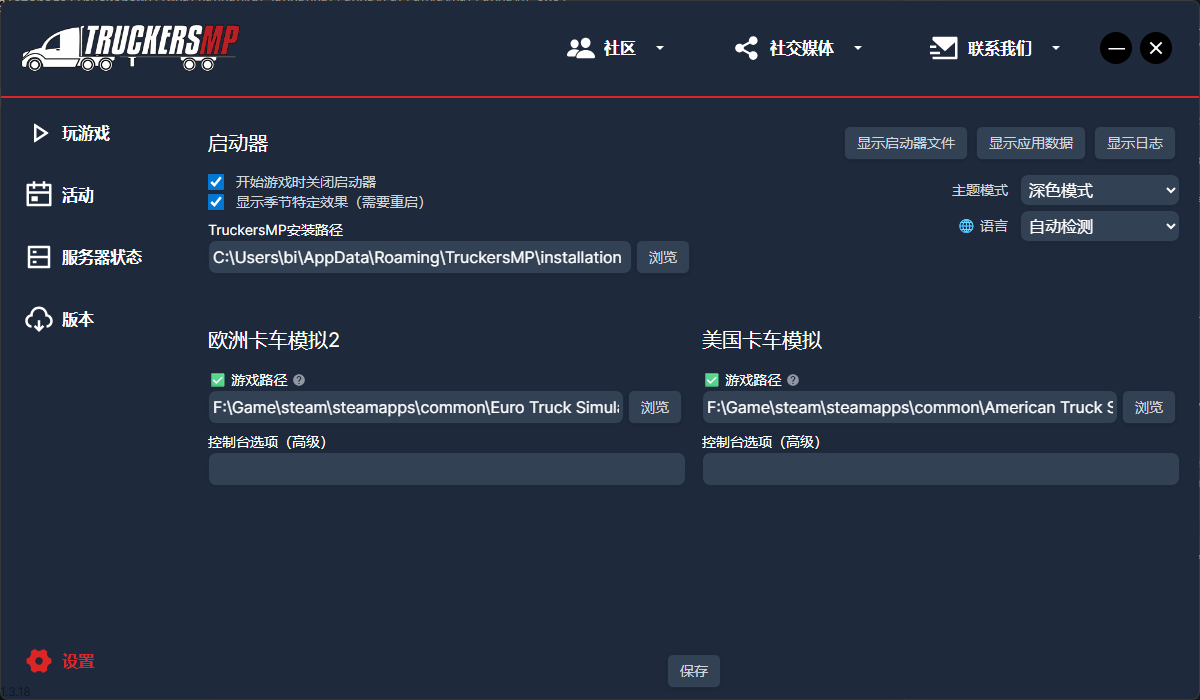
- Go back to the
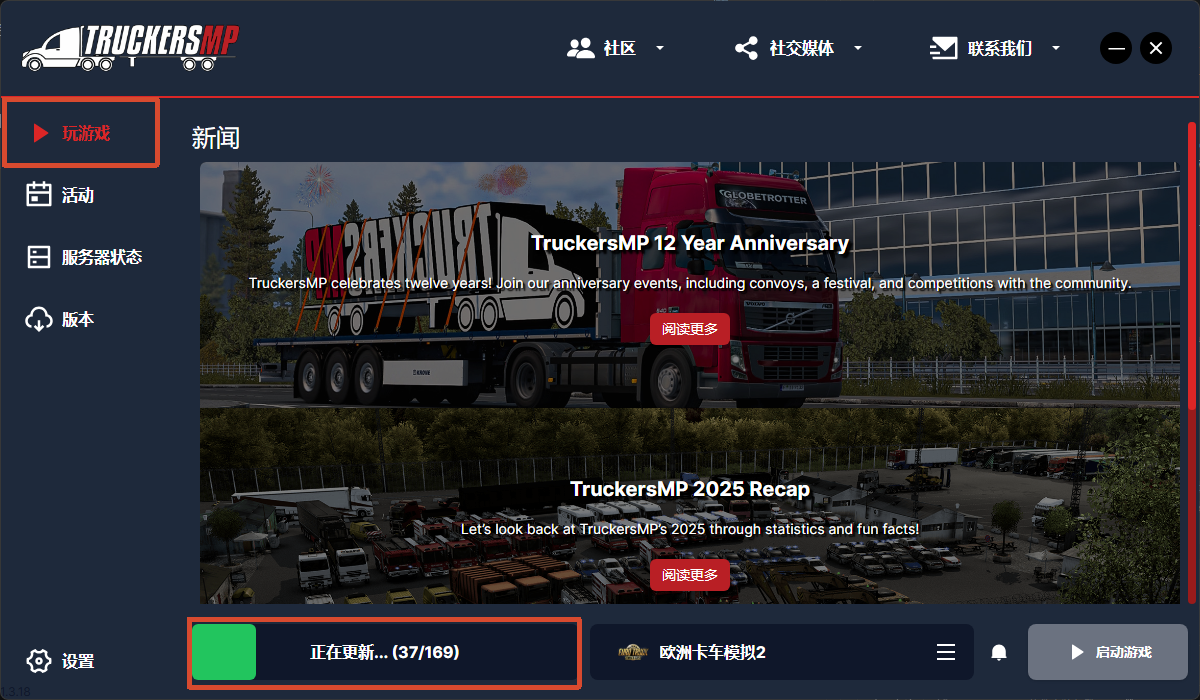
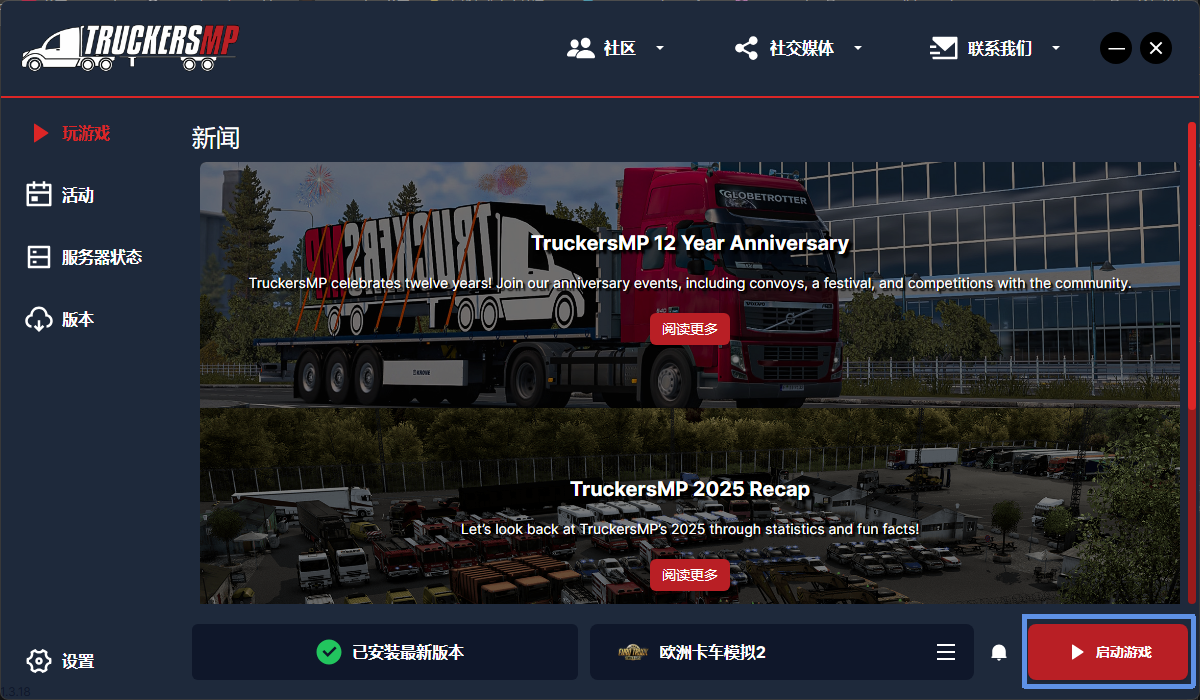
Playtab, clickDownload Updates. After the update is complete, clickLaunch Game.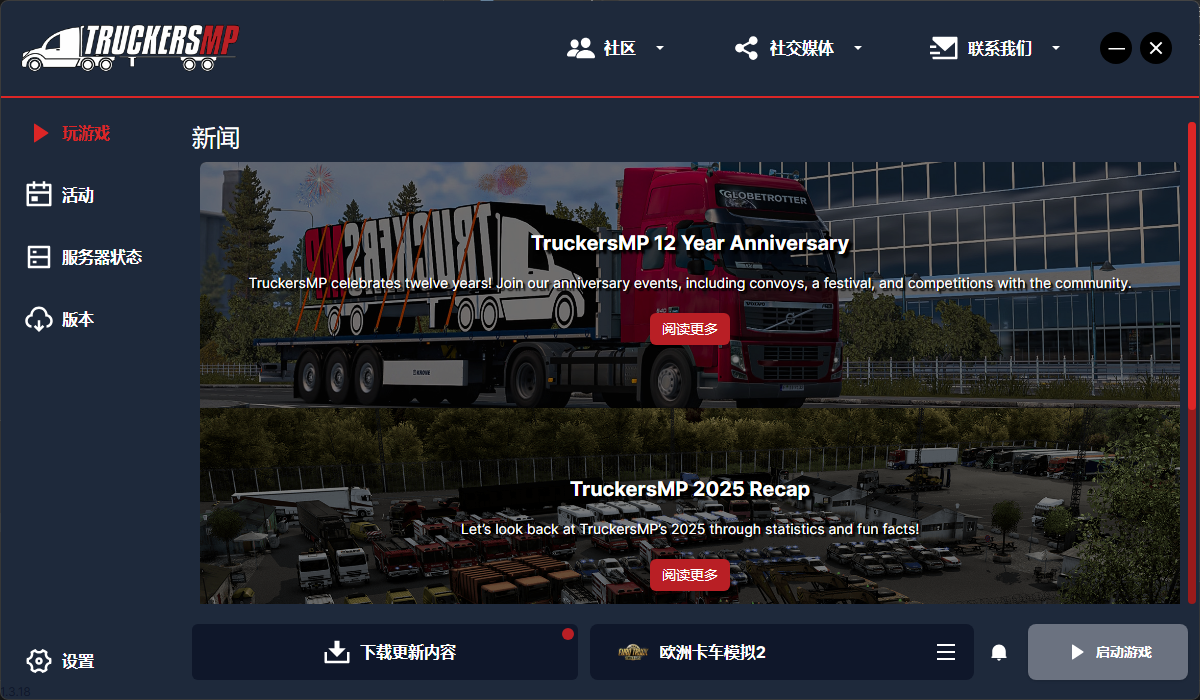
Old Version Client
- Double-click the downloaded file named
TMP老版启动器.exeto start the installer. - On the Welcome page, click
Nextdirectly.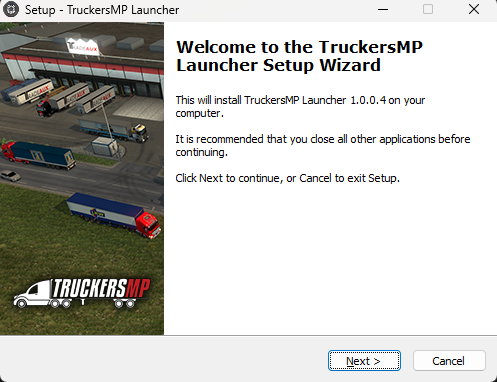
- Agree to the
License Agreement, then clickNext.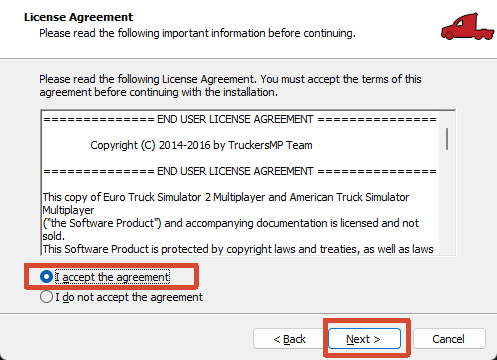
- Select the Installation Path, then click
Next.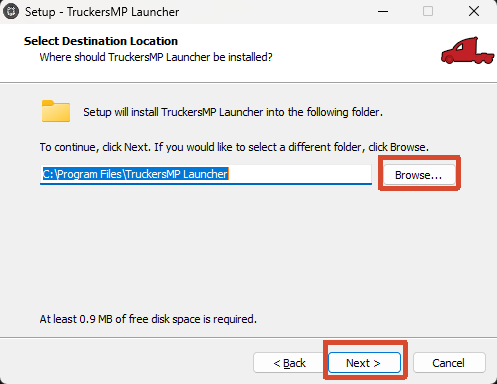
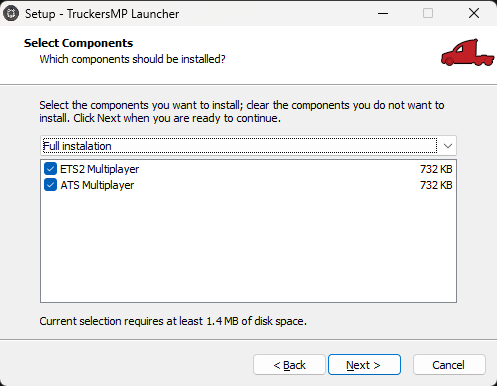
- Select Game. If you need to install Euro/American Truck Simulator, check both; otherwise, only check the game you need.
- Select Game Path. You can find it by right-clicking on the
game namein the Steam client and selectingManage->Browse Local Files.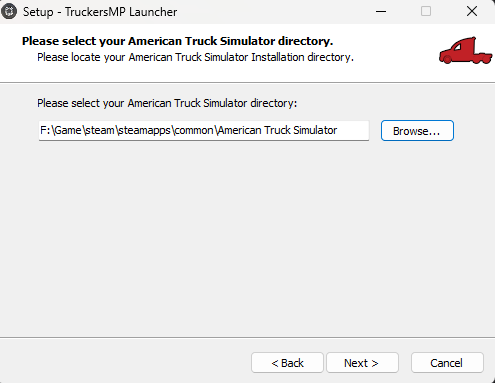
Tips
Note: If selecting both versions, set the American Truck path first, then set the Euro Truck path. If using a single version, directly enter the installation path of the selected game.
- Create Start Menu shortcut, click
Next.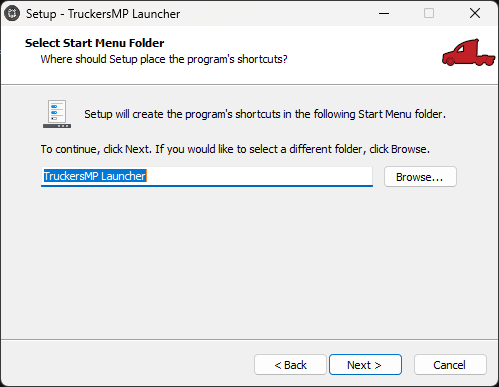
- Create Desktop icon, click
Next.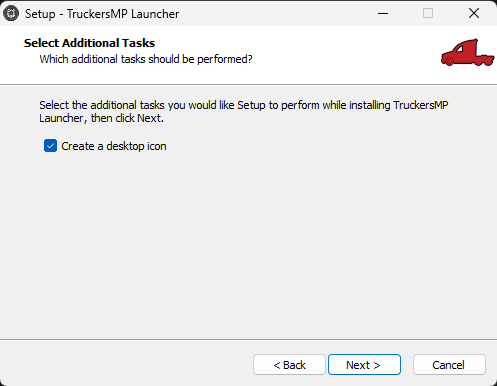
- Final check. If everything looks good, click
Install.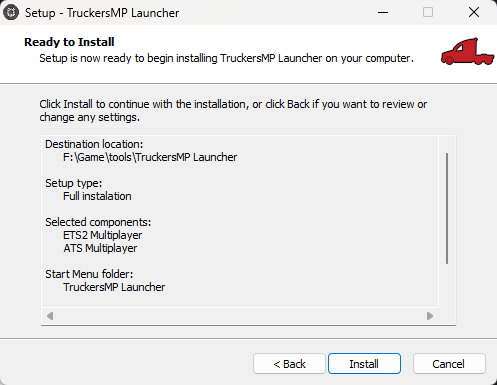
- Finally, click
Finishto complete the installation.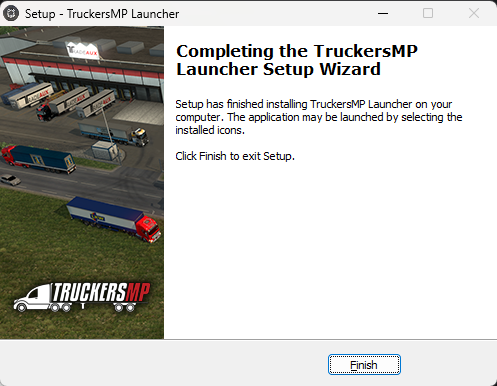
- Launch TruckersMP client (double-click the desktop shortcut or double-click
Launcher.exein the installation folder). - On the launched page, click
Install Available Updatesto update.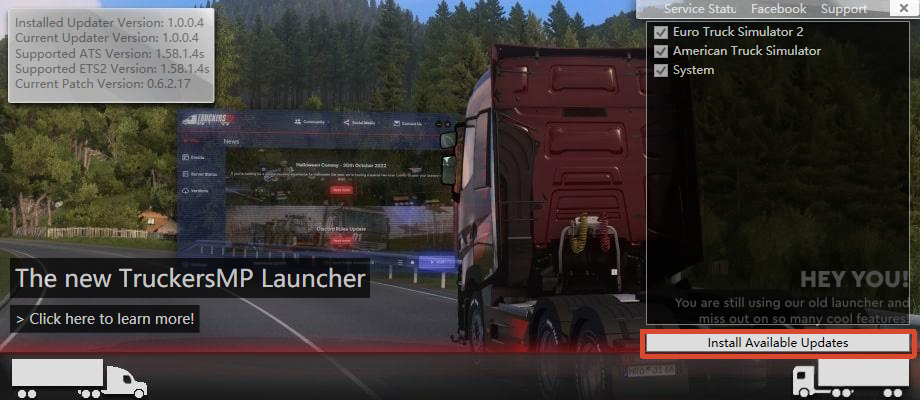
Warning
During updates of all versions, you need to have the accelerator turned on. Set the accelerator to accelerate EU Server -> Simulation 1; otherwise, you may encounter issues that prevent updating.
Login to Launcher
Enter the email used during registration and password used during registration, then click Login.
Chapter 7: Selecting a Server for Online Play
- Common Servers:
| Simulation 1 | Most popular, most realistic |
|---|---|
| Simulation 2 | Less populated |
| Arcade | Casual server, no collisions |
| ProMods | Requires additional map DLC + specific mods |
| ProMods Arcade | Requires additional map DLC + specific mods + no collisions |
Recommendation for new players: Start with Simulation 2.
Precautions
When entering the server for the first time, do not go directly to Calais, as it's a high-risk area for new players. It's recommended to familiarize yourself with the controls in other cities first, such as:
- Hamburg
- Berlin
- Paris
This will be more comfortable. Rules you must follow:
Most Important:
- Do not hit people
- Do not drive against traffic
- Do not block the road
- Do not overtake maliciously
- Do not insult others
Otherwise, you will be banned. Serious violations may result in a permanent ban.
Rules page: https://truckersmp.com/rules
Common Error Solutions
Error: No Supported Games Found
Cause: Steam didn't recognize the game
Solution:
- Launch a single-player game once
- Play for at least 2 hours
- Set Steam profile to public
Error: Incorrect Password
Cause: Wrong password
Solution: Use the official website's Forgot Password to recover your password.
Crashes / Fail to Launch
Solution:
- Update graphics card driver
- Update Windows system
- Update VC++ runtime library
This is very effective.